Installing Toolbox from the CD-ROM (Macintosh)
Solusi
CAUTION
* If your Mac OS X is used with multiple users (accounts), log in as the first created administrator to install the software. You cannot install the software if you logged in with an added administrator account.
[CANOSCAN] Finder opens. Double-click the [Setup] icon in the finder.

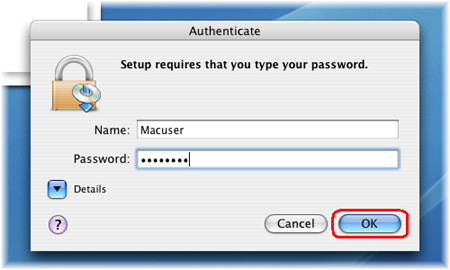
If "Authenticate" screen is displayed, enter the administrator's (first created user) name and password and then click [OK].
When the initial screen for setting up is displayed, click [Custom Install].

When the screen to select software is displayed, make sure that Toolbox is checked and remove the checkmarks of the other applications. Click [Next].

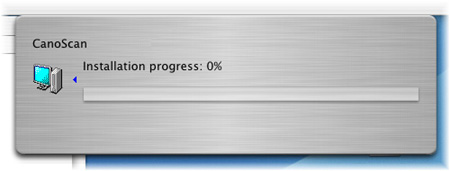
The installation starts.