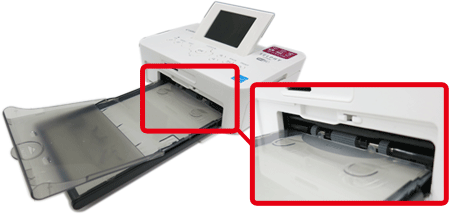
Inserting the paper cassette (SELPHY CP900)
Solusi
IMPORTANT
- Use only dedicated paper included in the genuine Canon brand Color Ink Cassette/Paper Sets for use in SELPHY CP series printers. Regular printing paper, regular postcards, or dedicated paper for SELPHY ES series printers cannot be used.
- Do not touch the springs on the paper cassette.

- If the springs are bent or deformed, paper will not feed correctly into SELPHY.
- Make sure you are using the correct combination of paper, paper cassette and ink cassette.
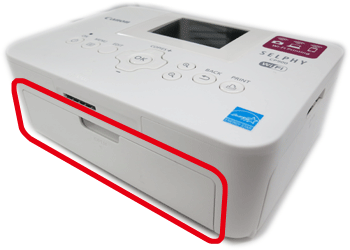
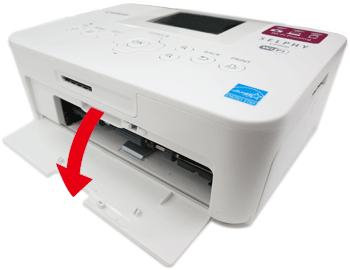
1. Open the covers for the paper cassette compartments.
2. Insert the <paper cassette>.

Make sure that the <outer lid> is open and insert the <paper cassette> all the way into the compartment.