
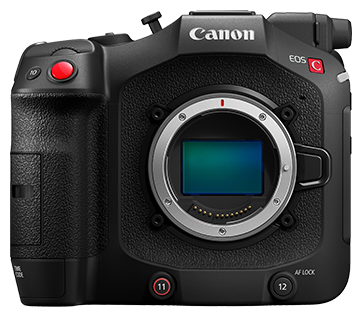
Compatible Cards (EOS-1D X Mark II)
Solusi
The following cards can be used with the camera.
Yes: Compatible-: Not compatible
| Card Type | ||||||
| CF*1 | SD | SDHC | SDXC | MMC | MMCplus | CFast*2 |
| ○ | - | - | - | - | - | ○ |
*2: CFast 2.0 supported
When shooting movies, use a large-capacity card with a reading/writing speed (required card performance) shown in the table or higher than the standard specification. Test the card by taking a few movies in the desired quality and make sure the card can properly record the movie.
| Movie Recording Quality | CF Card | CFast Card | ||
 | 
 |  | - | CFast 2.0 |


 | | UDMA7 100 MB/sec. or faster | CFast 2.0 | |
 | 
 |  | UDMA7 100 MB/sec. or faster | CFast 2.0 |
|
| | UDMA7 60 MB/sec. or faster | CFast 2.0 | |
|
|  | 30 MB/sec. or faster | ||
|
| | 30 MB/sec. or faster | ||
|
| | 10 MB/sec. or faster | ||
|
|
 | 10 MB/sec. or faster | ||
- If you use a slow-writing card when shooting movies, the movie may not be recorded properly. Also, if you play back a movie on a card with a slow reading speed, the movie may not play back properly.
- To check the card's reading/writing speed, refer to the card manufacturer's Web site.
- To optimize the use of the card, formatting the card with the camera before shooting movies is recommended.
- When movies cannot be recorded normally, format the card and try again. If formatting the card does not resolve the problem, refer to the card manufacturer's Web site.
IMPORTANT
- This camera does not come with a memory card. Please purchase it separately.
- If the card is new or was previously formatted (initialized) by another camera or computer, format the card with this camera.