








I Want to Save Images to My Computer (EOS M6 Mark II)
Solusi
Follow the steps below to save images and movies on your camera to a computer.
Use a card reader to save images or movies on a memory card to a computer without using Canon software or a USB cable.
| Necessary items | Instructions | Caution |
•Card slot/card reader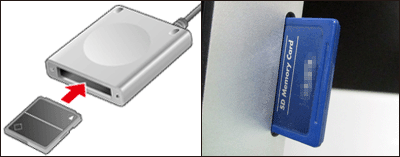 | Use a card reader and the OS standard settings for saving images without using Canon software or a USB cable. | Some cards (types or capacities) may not be compatible with the card slot or the card reader. |
Connect the camera to the computer with Interface Cable IFC-100U (sold separately; computer end: USB Type-C) to save images and movies.
| Necessary items | Instructions | Caution |
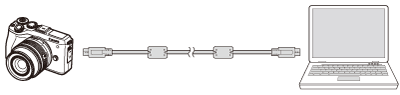 •Interface Cable IFC-100U (computer end: USB Type-C) | Use a cable and the OS standard settings for saving images without using Canon software. | Some camera models may not have performance guaranteed for the OS. |
This method enables you to send images from the camera to a computer using the Wi-Fi function.
| Necessary items | Instructions | Caution |
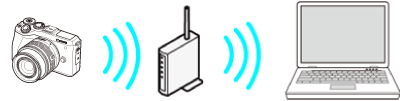 •Wireless LAN router/a computer with wireless LAN connection support/software (Image Transfer Utility 2) | Connect the camera and the computer to the same wireless LAN router and establish a connection. | You may not be able to establish the connection due to your security settings or other characteristics of your environment. |